The world of AI agents is moving fast, but setting up a reliable, isolated, and portable environment for them could be tricky sometimes. Meet OpenClaw WSL, a streamlined automation system designed to bring the full power of OpenClaw to your Windows machine with unparalleled ease.


In the world of autonomous AI coding, one of the most talked-about patterns lately is the Ralph Loop — a simple yet powerful way to have an AI coding agent keep working on a task until it is truly complete. The technique was originally coined by Geoffrey Huntley and has gained a lot of traction because it fixes a core problem in long-running AI workflows.
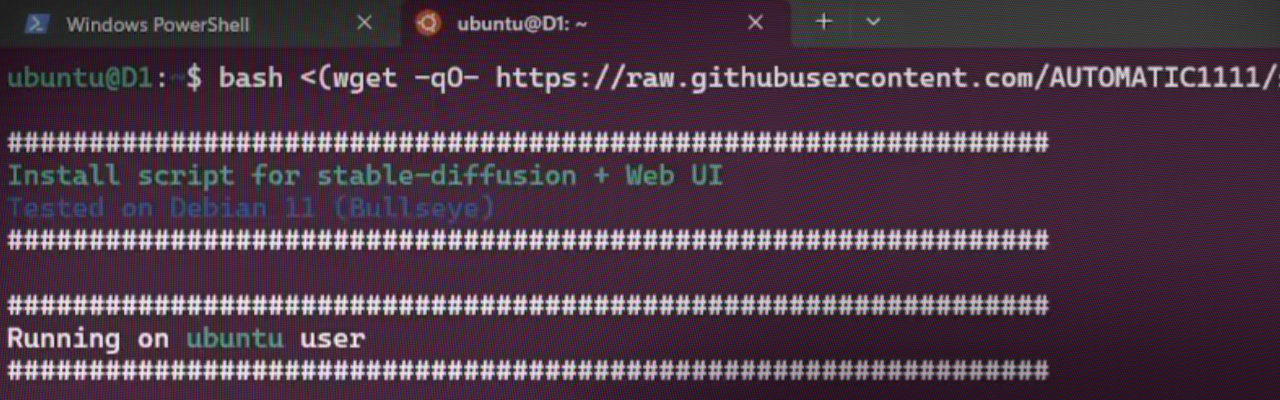
In this article, we will explore an easier method to install AUTOMATIC1111 Stable Diffusion Web UI directly on Windows Subsystem for Linux (WSL), without the need for Anaconda. This process is straightforward and requires executing a few commands in the Linux terminal.
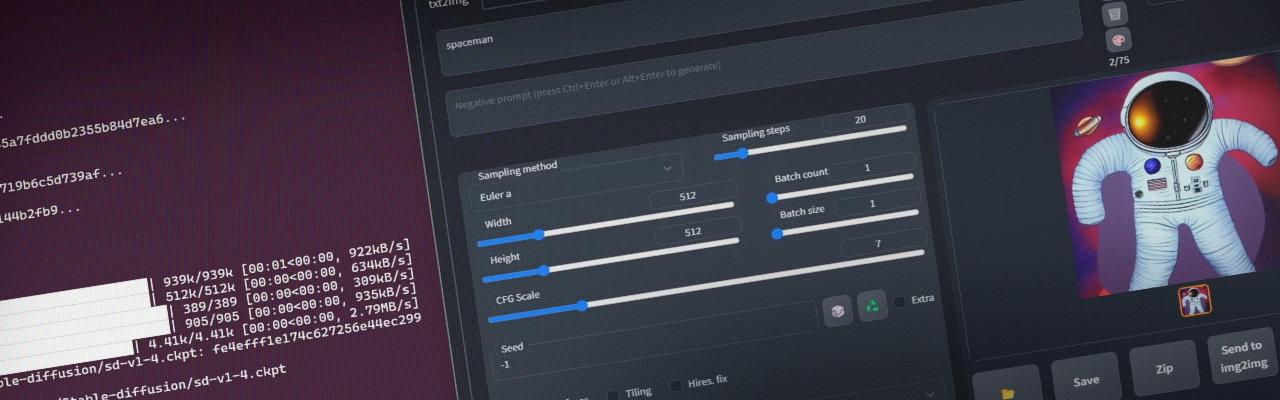
Artificial intelligence (AI) is revolutionizing the creative industry. Stable Diffusion is now accessible to anyone, and there are already various ways to use it in your local environment, keeping it private. I prefer to use virtual environments as much as possible to keep my workstation clean. I recently tried out Stable Diffusion using Windows Subsystem for Linux (WSL) and Anaconda, specifically installing the popular Stable Diffusion Web UI by AUTOMATIC1111. These notes were primarily for my own use, but I believe they may be helpful to others as well.
© Sakari Niittymaa – Privacy Policy